Book the first call
Bring the listings, CRM, and follow-up you already run. We map this feature against that work.
Know whether a lead came from a listing, open house, ad, website form, referral, or manual entry.
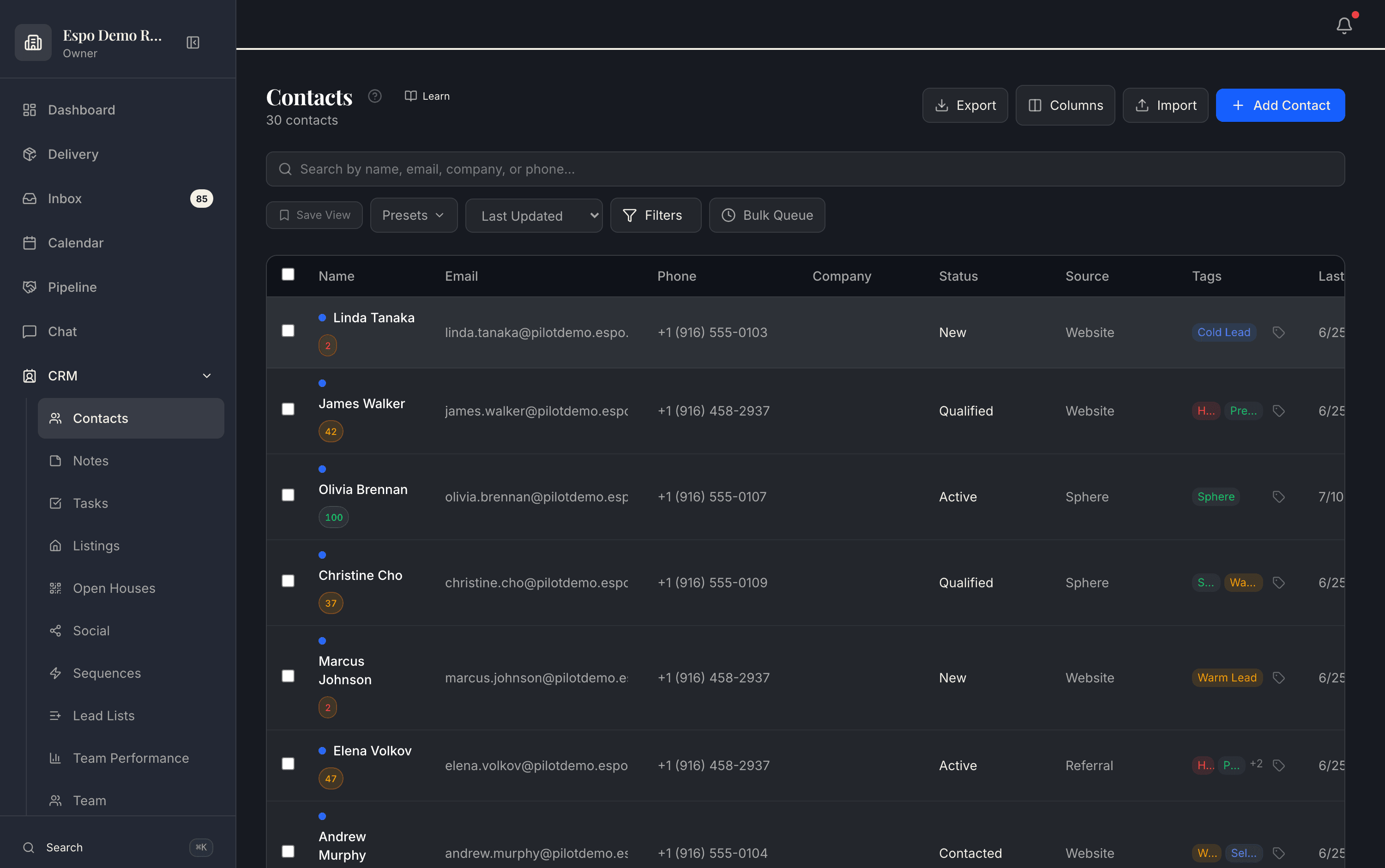
Source is a first-class column — website, sphere, referral, open house — on every contact. The walkthrough video for this feature is being filmed — every feature is getting one.
A team wants to stop arguing about where leads came from and start improving what happens next.
Source tracking lives in the same CRM where the follow-up happens.
Common questions
Listings, open houses, ads, website forms, referrals, and manual entries — captured automatically where the lead came in digitally, with UTM data where available, and recorded on the contact from day one.
Because the follow-up happens there. When the source lives on the same record as the conversations and the deal, you can improve what happens next — instead of arguing about where leads came from in a separate analytics tool.
Yes — source context carries into contact and deal views and can roll up into reporting that shows follow-up and pipeline movement when those inputs are recorded.
Yes — filter and save views by source, tag, and status. “Open-house sign-ins from the last 90 days who never got a second touch” is a view, not a research project.
Thirty minutes with the founders, no deck. We walk this feature — and the rest of the engine — against your actual listings and pipeline.
Bring the listings, CRM, and follow-up you already run. We map this feature against that work.
Each page describes what is live today, what it needs, and which plan includes it.
Add only the jobs you need now. The rest of the catalog stays available.