Book the first call
Bring the listings, CRM, and follow-up you already run. We map this feature against that work.
Run common CRM work from a phone by talking or typing naturally.
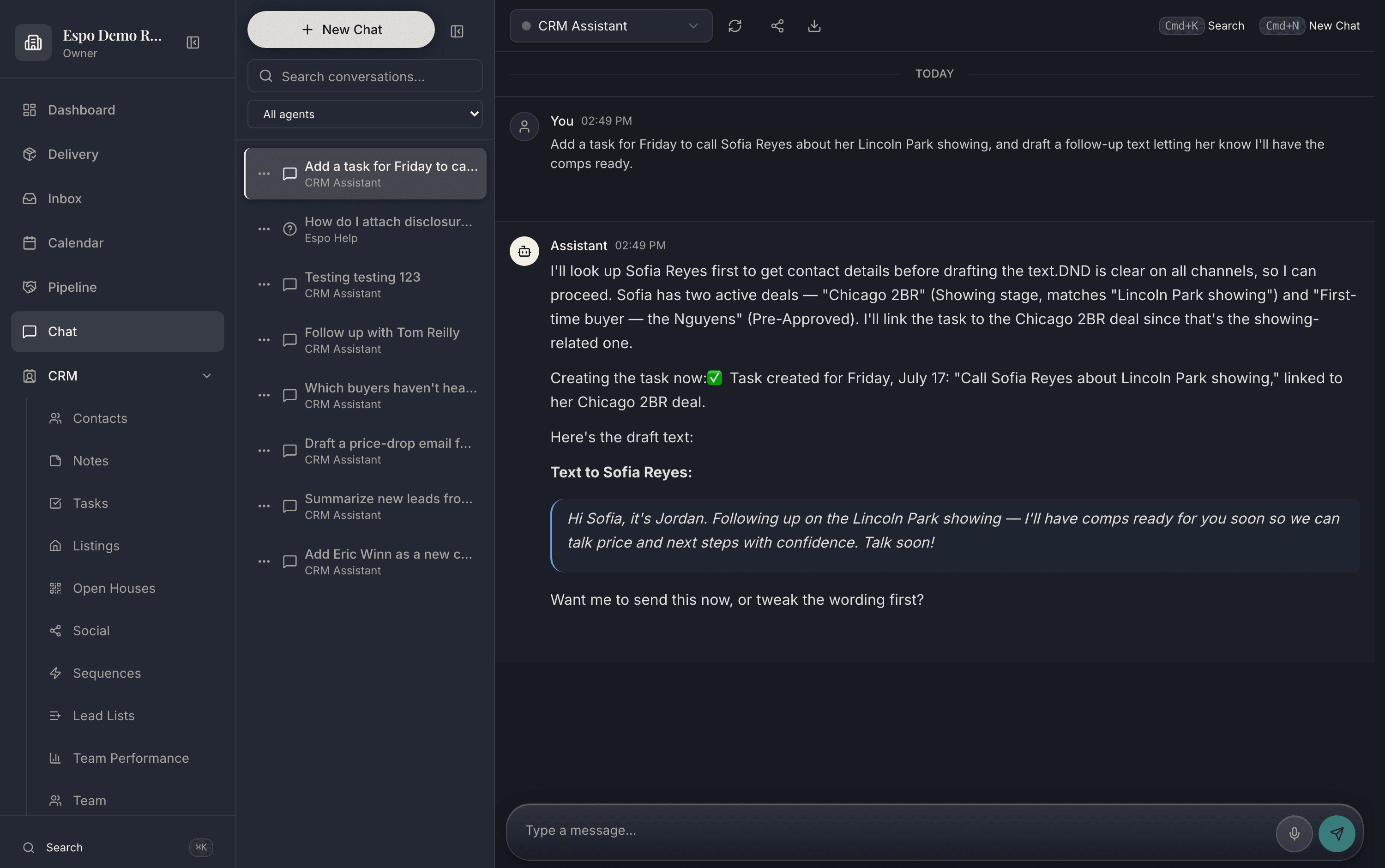
One command, spoken or typed — the record updates itself. The walkthrough video for this feature is being filmed — every feature is getting one.
An agent leaves a showing, dictates the next step, and the record gets updated before the lead cools off.
The command updates the actual CRM record instead of living as a note in a separate AI chat.
Common questions
No. Talk the way you already talk — “met James at the open house, hot buyer, wants Loomis under 1.2, follow up tomorrow.” The assistant turns messy agent language into structured CRM updates: contact, tag, budget, task.
In the Espo app and the portal — tap the mic and speak. It uses your device’s dictation, so it works anywhere your phone does: the car after a showing, the sidewalk outside a listing appointment.
You see exactly what it understood and what it did, and anything outbound is draft-first — it never sends a mis-heard message. Corrections are one more sentence: “make that Saturday, not Friday.”
Yes — that is the whole point. The command updates the actual contact, deal, and task records, not a note in a separate AI chat you have to copy over later.
Thirty minutes with the founders, no deck. We walk this feature — and the rest of the engine — against your actual listings and pipeline.
Bring the listings, CRM, and follow-up you already run. We map this feature against that work.
Each page describes what is live today, what it needs, and which plan includes it.
Add only the jobs you need now. The rest of the catalog stays available.