Book the first call
Bring the listings, CRM, and follow-up you already run. We map this feature against that work.
A site assistant that answers visitor questions, explains fit, and points people to the right page or booking link.
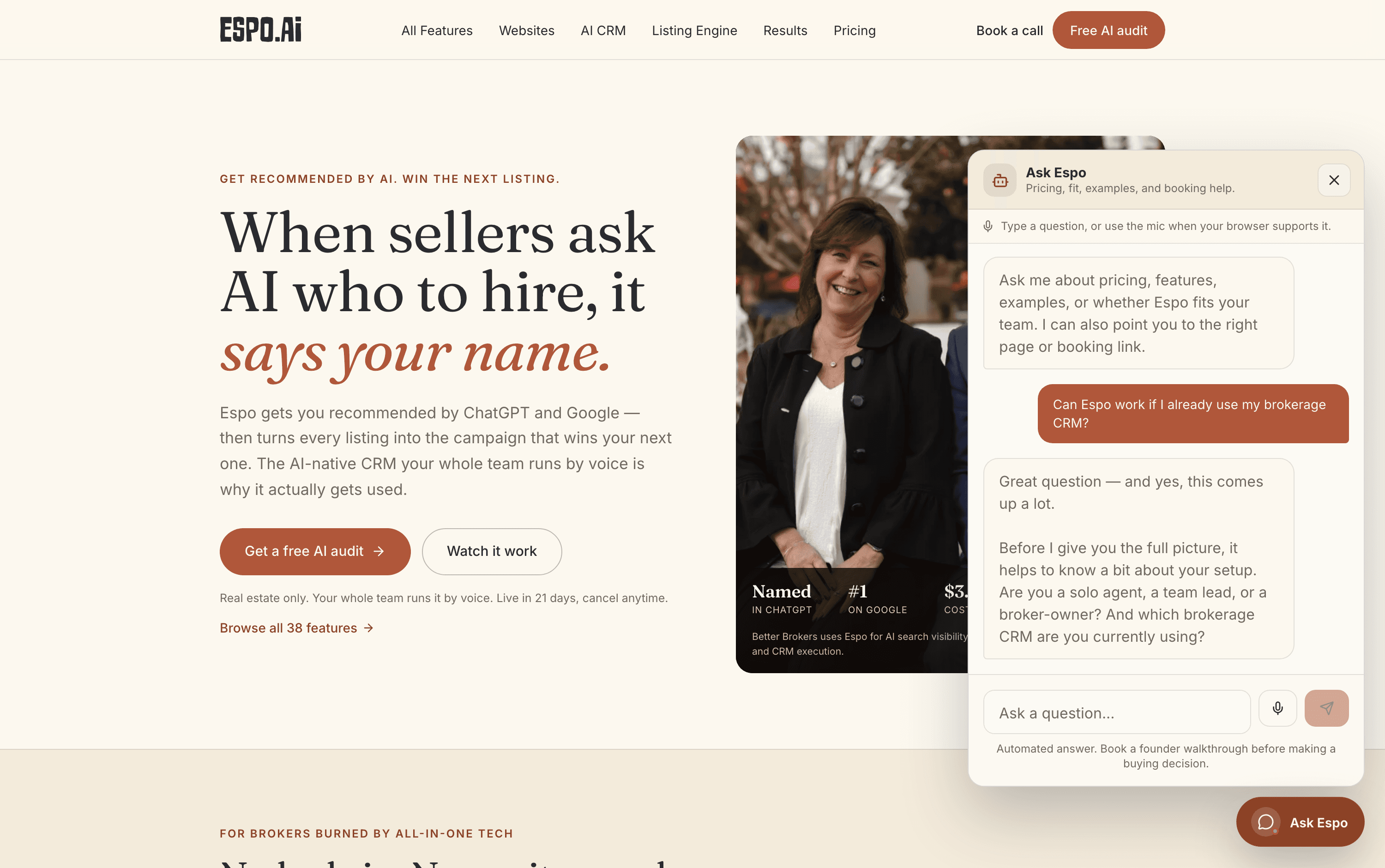
A real exchange on espo.ai — ask a question, get a grounded answer and a path to the right page. The walkthrough video for this feature is being filmed — every feature is getting one.
A visitor wants a specific answer without reading ten pages or waiting for a reply.
It is grounded in Espo’s current website and booking flow instead of acting like a generic chatbot.
Common questions
Pricing, features, comparisons, proof, and fit — grounded in the website’s own knowledge base. When the right next step is a page, it points you there: pricing, results, examples, or the booking link.
No — its answers are grounded in what the site actually says, every answer is labeled as automated, and for buying decisions it points you to a founder walkthrough instead of pretending to be one.
Yes — type your question or use the mic when your browser supports it. Same assistant either way.
That is the product. On Espo Pro and Growth Partner, your site can run an assistant grounded in your market, listings, and services — answering visitor questions and pointing them to your contact and booking paths instead of losing them to a search.
Thirty minutes with the founders, no deck. We walk this feature — and the rest of the engine — against your actual listings and pipeline.
Bring the listings, CRM, and follow-up you already run. We map this feature against that work.
Each page describes what is live today, what it needs, and which plan includes it.
Add only the jobs you need now. The rest of the catalog stays available.