
The /setup-espo-skills Skill
Configure one repository so the rest of the engineering Skills know where its work and context live.
Public release v0.1.2 — install the latest source or pin the tested release.
npx skills@latest add MattEspo23/skills --skill setup-espo-skillsWhat it does
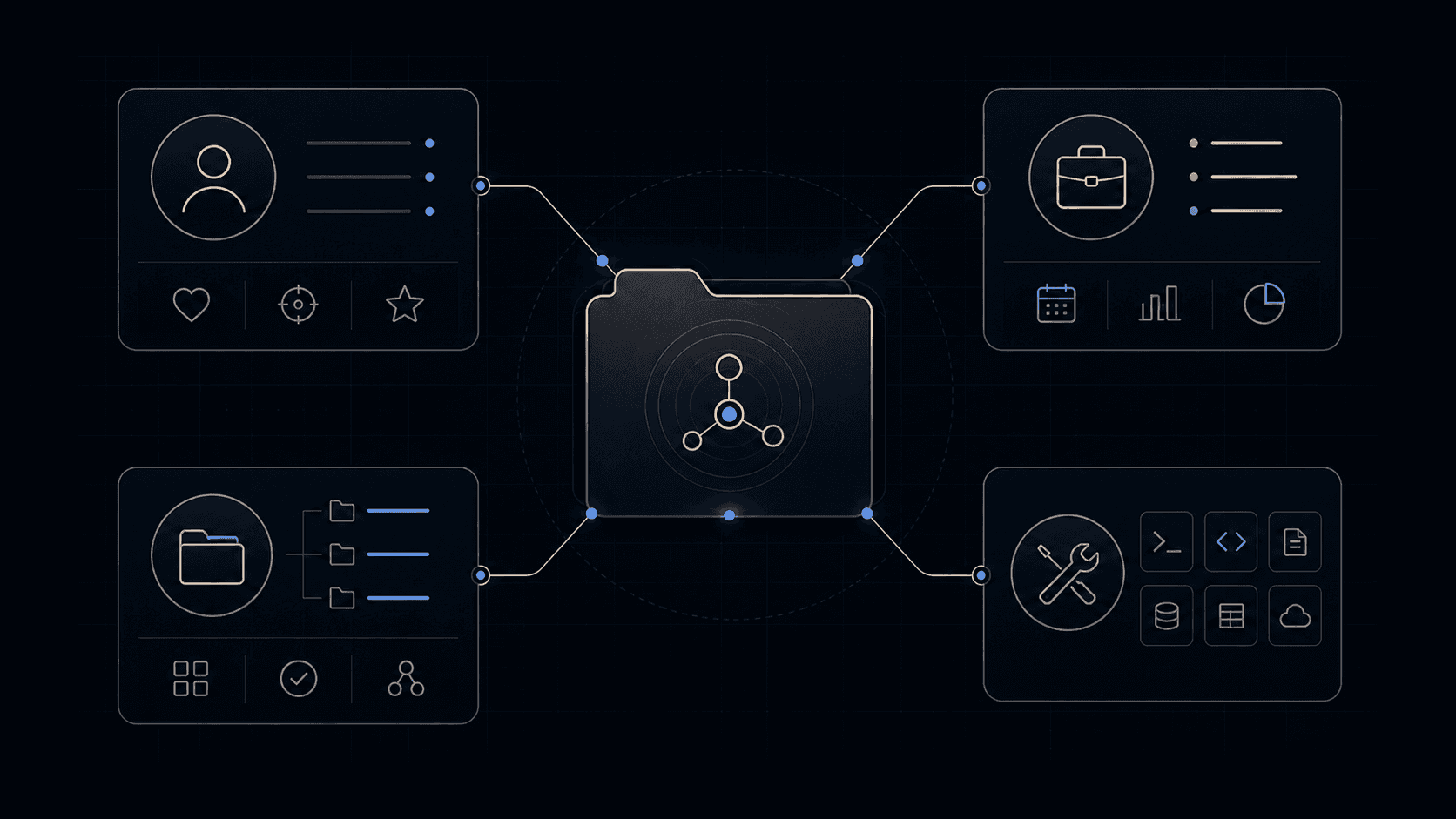
setup-espo-skills answers three questions about one repo — where issues live, what the triage labels are called, and where the domain docs sit — and records the answers as markdown files under docs/agents/.
Those files are the only thing that varies between repos. The skills themselves are identical everywhere; they read docs/agents/issue-tracker.md at run time and do what it says. That is why the set is not tied to GitHub, and why no skill file ever needs editing to point it somewhere else. Invoking it with "link the skills to a custom issue tracker" works with anything you can connect to programmatically, with zero changes to the skills.
It is a prompt-driven skill, not a deterministic script. It reads your git remote, your existing CLAUDE.md, your existing CONTEXT.md, proposes what it found, and waits for you to confirm before writing anything.
When to reach for it
You invoke this by typing /setup-espo-skills — the agent won't reach for it on its own. It is deliberately marked non-invokable, so no other skill can fire it for you.
Reach for it once per repo, before the first use of any other engineering skill. If triage, to-spec, to-tickets or wayfinder start guessing where your issues go, or apply labels your tracker doesn't have, they have not been set up here yet. A repo already halfway through a project is a fine place to run it; the skill reads what is already there and no earlier work is wasted.
Prerequisites
It writes into the repo you run it in:
| It writes | Where |
|---|---|
issue-tracker.md | docs/agents/ |
domain.md | docs/agents/ |
triage-labels.md | docs/agents/, only when the triage skill is installed |
An ## Agent skills block | whichever of CLAUDE.md / AGENTS.md already exists |
All of it is committed markdown. There is no user-level or global mode: the config lives in the repo, so every repo gets its own copy.
The three decisions
It leads each section with the recommended answer, and skips whatever exploration already settled. Most runs are two confirmations and done.
| Decision | What it proposes | When it actually asks |
|---|---|---|
| Issue tracker | the one matching your git remote | always — this is the one real choice |
| Triage labels | keep the five canonical names (needs-triage, needs-info, ready-for-agent, ready-for-human, wontfix) | only if the triage skill is installed |
| Domain docs | single-context: one CONTEXT.md plus docs/adr/ at the root | only if it spots monorepo signals, and then it offers a multi-context CONTEXT-MAP.md |
The tracker options:
| Option | Where issues live | Needs |
|---|---|---|
| GitHub | the repo's GitHub Issues | the gh CLI |
| GitLab | the repo's GitLab Issues | the glab CLI |
| Local markdown | files under .scratch/<feature>/ in this repo | nothing — no remote at all |
| Other | wherever you say | one paragraph from you describing the workflow |
The first three ship as templates in the skill and work out of the box. Local markdown is a first-class option, not a fallback: a solo project with no remote is fully supported. One caveat is worth repeating: don't use local markdown if you're using GitHub. They are alternatives, not layers.
"Other" is not a stub either. It is the reason Jira, Linear, Azure DevOps and Beads all work: you describe the workflow, the skill records your prose in docs/agents/issue-tracker.md, and the downstream skills follow the prose. The community has already done this — a Jira-over-MCP variant, a Gitea CLI shaped like gh, a hand-built local dashboard.
Common questions
Do I have to use GitHub?
No. GitHub, GitLab and local markdown under .scratch/ all ship as ready-made templates, and anything else works through the "other" path. This is the most-repeated question in the record, in roughly these words: "hard locked to github", "can I use GitLab / Jira", "what about Azure DevOps". The answer every time is that the tracker is a setup answer, not a skill property.
Do I need to re-run it after updating the skills?
Asked directly after v1.1, Matt said yes. The skill's own closing message is softer — it tells you re-running is only needed to switch trackers or start over. Both are defensible and the reason for the gap is real: the seed templates change between versions, so a docs/agents/issue-tracker.md written by an older release can go stale against the skills now reading it. If a downstream skill starts doing something the docs describe differently, re-running is the cheap fix.
It wrote to CLAUDE.md, but I'm on Codex.
Known gap, still open. The file-selection rule is "edit CLAUDE.md if it exists, else AGENTS.md" — it checks which file exists, not which harness is running. A repo with a CLAUDE.md left over from Claude Code will get its ## Agent skills block somewhere Codex never reads. Two workarounds are in circulation: move the block to AGENTS.md by hand, or keep AGENTS.md canonical and make CLAUDE.md a one-line pointer at it. If neither file exists, the skill asks you which to create rather than picking, which has confused people who expected it to just decide.
It didn't create my triage labels.
It doesn't. docs/agents/triage-labels.md is a mapping — it tells /triage which strings in your tracker correspond to the five canonical roles. It does not run gh label create. On a fresh GitHub repo the labels genuinely do not exist yet, and this has been filed as a bug more than once. Two follow-ons:
- If your tracker already uses the canonical names, the mapping is an identity table and there is nothing to configure. That is the intended common case, not a missing step.
- wayfinder's
wayfinder:mapandwayfinder:<type>labels are not created here either, andgh issue create --label <missing>fails outright rather than creating the label. Create them by hand before the first wayfinder run on a GitHub repo.
Can I configure the other skills' behaviour here — grilling cadence, question format, tone?
No. It configures three things: tracker, labels, doc layout. There have been direct requests to make it the home for per-user preferences, and the standing answer is that skills stay opinionated: "Config is death." Preferences belong in your CLAUDE.md as plain instructions, which every skill already reads.
Can I keep the config in ~/.claude instead of committing it to every repo?
Not today. There is an open request for exactly this from someone running the skills across many repos, and no user-level mode exists. Every repo carries its own docs/agents/.
Isn't it strange to have a skill that configures the other skills?
One long-standing complaint says yes, in these words: "having a skill to set up the other skill does not feel right to me — that means the LLM is configuring its own skills." The trade is real and acknowledged: the alternative to a setup step is duplicating tracker instructions into every skill that touches issues. The output is inspectable, editable markdown, which is the mitigation — you can read every file it wrote and change it by hand, and day-to-day tweaks are exactly that, not another run.
It's working if
docs/agents/issue-tracker.mdanddocs/agents/domain.mdexist, plustriage-labels.mdiftriageis installed.- An
## Agent skillssection appears in the instruction file your harness actually reads, with a one-line summary pointing at each of those files. - The tracker it proposed matches the remote you really use, and the label strings match labels that really exist in your tracker.
- Afterwards,
/to-ticketspublishes without asking you where issues live, and/triageapplies labels rather than inventing them. - Nothing in the skill files themselves changed. If setup edited a
SKILL.md, something went wrong.
Where it fits
setup-espo-skills is the run-once setup for the engineering flow, the precondition everything else assumes rather than a step in the chain. Its neighbours are its readers: triage, which applies the label vocabulary written here; to-spec and to-tickets, which publish into the tracker named here; and wayfinder, which reads the "Wayfinding operations" section of the same tracker file to know how maps and child tickets are stored. The domain-doc layout it records is the one domain-modeling fills in later — it creates CONTEXT.md and ADRs lazily, when a term or decision actually gets resolved, so an empty repo after setup is the expected state. For which skill to reach for next, ask-espo routes the whole set.
Secondary evaluation path
Try it once
Use the core behavior in one conversation before installation. The repeatable Skill package is the primary path when you want the behavior available across future work.
Inspect this repository and propose its issue tracker, triage-label mapping, and domain-document layout. Show me the recommended setup before writing anything.Released source
Source & license
Released in EspoAI Skills v0.1.2; adapted from mattpocock/skills v1.2.3. The released package is skills/engineering/setup-espo-skills/SKILL.md.
The public package is MIT-licensed and pinned here to the exact release commit. View the released EspoAI source
The adapted baseline preserves the upstream copyright, MIT permission notice, and pinned provenance. View the original pinned source